Clean a messy CSV without deleting valid rows
Prepyr path: Profile, preview, and apply
Evidence to inspect: Row-count, null, key, and total changes
AI-assisted CSV workspace
Upload a CSV or single-sheet Excel file, review proposed cleaning changes, ask questions about the actual columns, create decision-useful charts, and turn verified evidence into a report - without rebuilding the work across separate tools.
Start with your data · See the file-to-report workflow

Prepyr is a browser workspace for recurring CSV work. It connects data profiling, reviewable cleaning, dataset-aware analysis, charts, reports, saved workflows, and version history so you can trace a result back to the file, columns, filters, and transformations that produced it.
The problem is rarely the file alone. It is the chain of manual edits, copied formulas, unclear definitions, mismatched exports, and disconnected charts that makes a result difficult to reproduce.
Prepyr path: Profile, preview, and apply
Evidence to inspect: Row-count, null, key, and total changes
Prepyr path: Review columns, transform, and save a workflow
Evidence to inspect: Version history and generated steps
Prepyr path: Ask, confirm definitions, and compute
Evidence to inspect: Selected columns, filters, aggregation, and result
Prepyr path: Reuse evidence, choose a visual, and compose
Evidence to inspect: Chart labels, source values, and report blocks
Choose the outcome, not a job title. The same reviewable workflow can support finance, operations, marketing, research, HR, customer support, education, and small-business data.
Standardize dates, categories, names, and numbers while checking what changed.
Find missing, duplicated, or mismatched customers, invoices, orders, or records.
Compare revenue, spend, churn, conversion, service levels, or survey responses using explicit definitions.
Choose a chart based on the question and make values, units, labels, and hover details readable.
Carry computed evidence into an executive summary, visuals, limitations, and next actions.
Save reviewed cleaning steps and apply them to the next compatible file.
Each stage keeps the file, decisions, and supporting evidence connected.
Open a CSV or single-sheet Excel file and inspect its columns, types, and quality signals.
Confirm sensitive fields, business definitions, and proposed actions before calculation or change.
Preview supported transformations, inspect affected rows, and preserve a versioned record.
Ask a focused question, use the active schema, and calculate from the selected columns and filters.
Turn reviewed evidence into a readable chart or report, then inspect the output before sharing.
Data
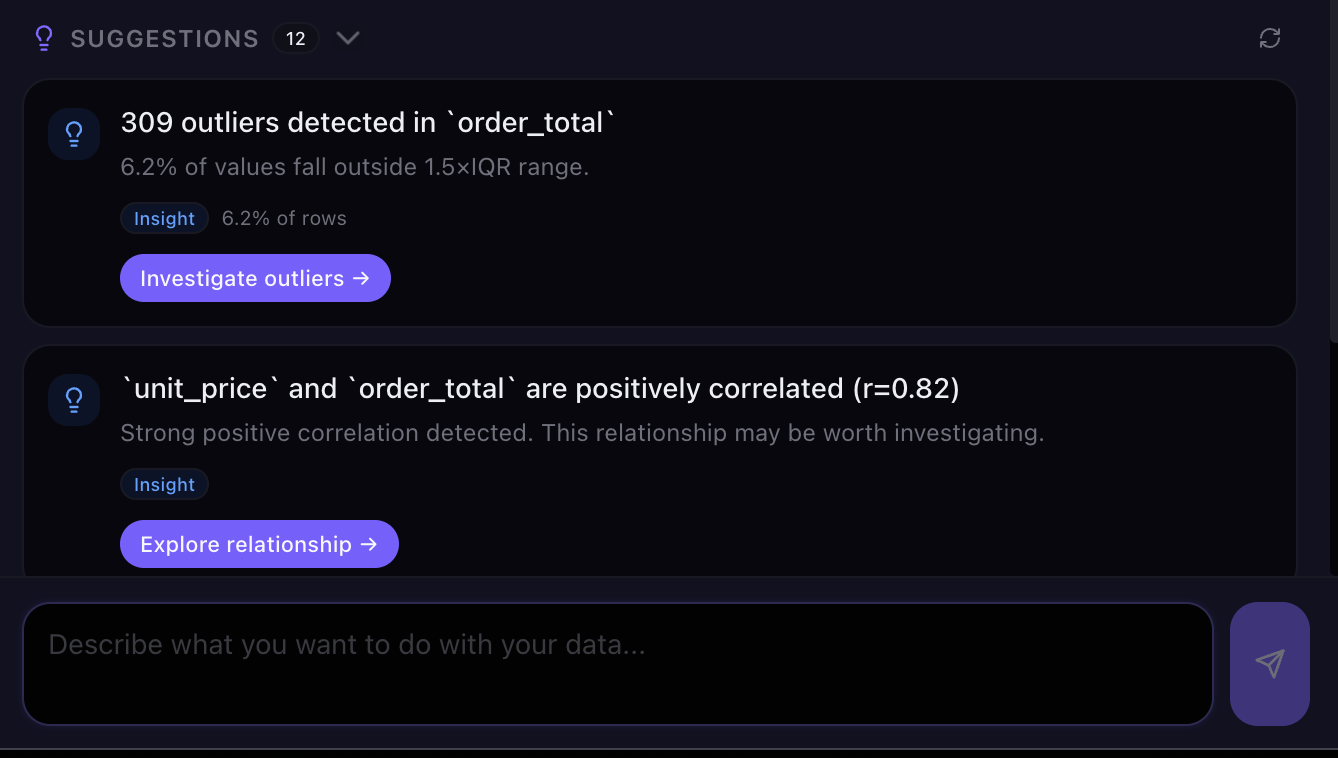
Surface types, blanks, duplicates, inconsistent categories, and candidate sensitive fields; preview supported changes before relying on the next version.
Analysis
Pass the full active schema to the AI planning layer, calculate with selected columns, and ask for clarification only when a material definition is missing.

Charts
Select or request an appropriate visual, then inspect aggregation, units, labels, hover details, and source values.

Reports
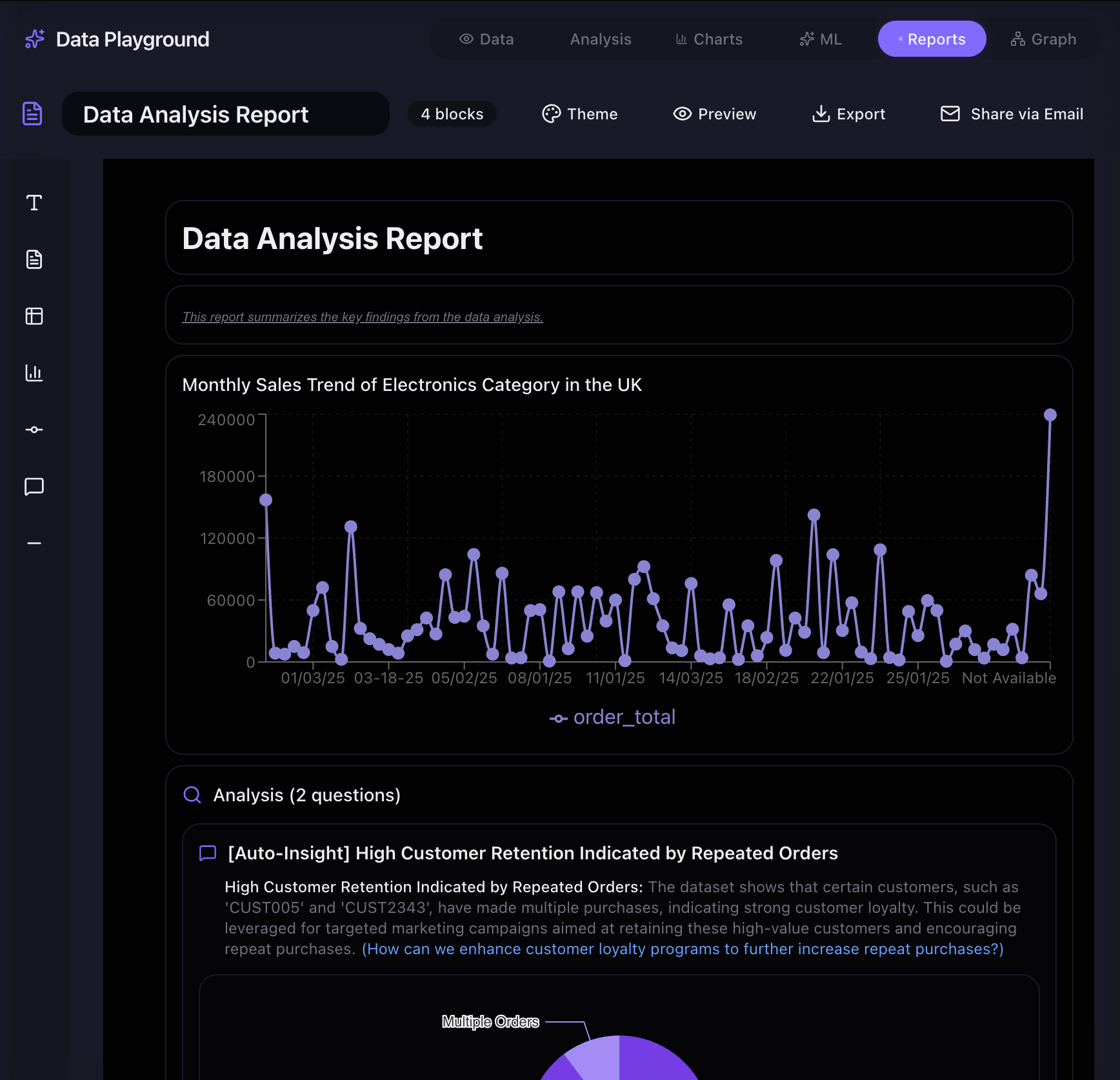
Reuse reviewed analysis and visuals, edit the narrative, apply a theme, export, or email the same report representation.
Inspect candidate relationships, assumptions, paths, and what-if hypotheses. Treat these results as evidence to test, not automatic proof that one variable caused another.
Run guided prediction, classification, clustering, and anomaly-detection experiments. Review the target, features, validation split, evaluation metrics, and limitations before acting on a model.
Prepyr provides review points across the workflow. You remain responsible for confirming business definitions, sensitive fields, material conclusions, and anything you export or share.
The right choice depends on the task, scale, repeatability, collaboration, audit needs, and technical ownership.
| Option | Best for | Main trade-off |
|---|---|---|
| Excel | Small calculations, manual review, and flexible presentation | Edits and formulas can become fragile across recurring workflows |
| Python or SQL | Large, controlled, programmable data pipelines | Requires technical ownership and explicit validation code |
| BI platform | Governed dashboards on modeled warehouse data | Setup is heavier for ad hoc messy-file cleanup |
| Prepyr | Reviewable CSV work from cleanup through report | Normalizes single-sheet Excel inputs to CSV and exports CSV; ambiguous rules still need human confirmation |
Use a step-by-step guide or synthetic sample file to see the validation checks before applying the method to your own data.
Profile the file, preserve the original, and validate each transformation.
Separate volume, price, mix, timing, and data-quality explanations.
Turn a repeated spreadsheet task into a reviewable workflow and report.
Prepyr can profile a CSV file, surface data-quality issues, preview supported transformations, answer dataset-aware questions, create charts, and build reports while keeping versions and supporting evidence connected.
Yes. Upload a single-sheet .xlsx or .xls workbook and Prepyr converts its worksheet to CSV before opening it. Workbook formatting, charts, macros, and additional sheets are not carried into the CSV workspace.
Prepyr sends the active dataset schema to the AI planning layer, which selects columns that match the question. Calculations then run only against validated columns and operations; Prepyr should not guess a column from a hard-coded synonym list.
Prepyr provides previews, affected-row details, validation deltas, and version history for supported transformations so you can inspect the result before relying on or exporting the next version.
Prepyr should identify the missing decision, ask a specific question, and offer relevant choices or an answer field. The response is sent back with the complete dataset schema instead of silently guessing the user's intent.
Yes, when the request is routed to a supported text-analysis capability. Text synthesis is distinct from structured aggregation, and the output should state what text was analyzed and how the result was produced.
Available exports depend on the workspace and result. Prepyr supports cleaned data downloads, generated Python where available, chart downloads, and report export or email sharing. Review every artifact before distribution.
Prepyr surfaces candidate sensitive columns and provides controls to protect selected fields from relevant AI-assisted processing. Automated detection can miss domain-specific identifiers, so confirm the selection and inspect exports before sharing.
Excel is flexible for hands-on calculations, Python and SQL suit controlled programmable pipelines, and BI platforms suit governed dashboards. Prepyr is designed for connected, reviewable CSV work from file cleanup through analysis, charts, and reports.
AI-assisted operations use credits according to the operation and current plan. Review the pricing page and in-product credit estimate for the latest allowance and cost before running a credit-consuming action.
Upload a CSV or single-sheet Excel file, review the proposed work, and decide whether the evidence is ready to analyze, chart, report, or export.